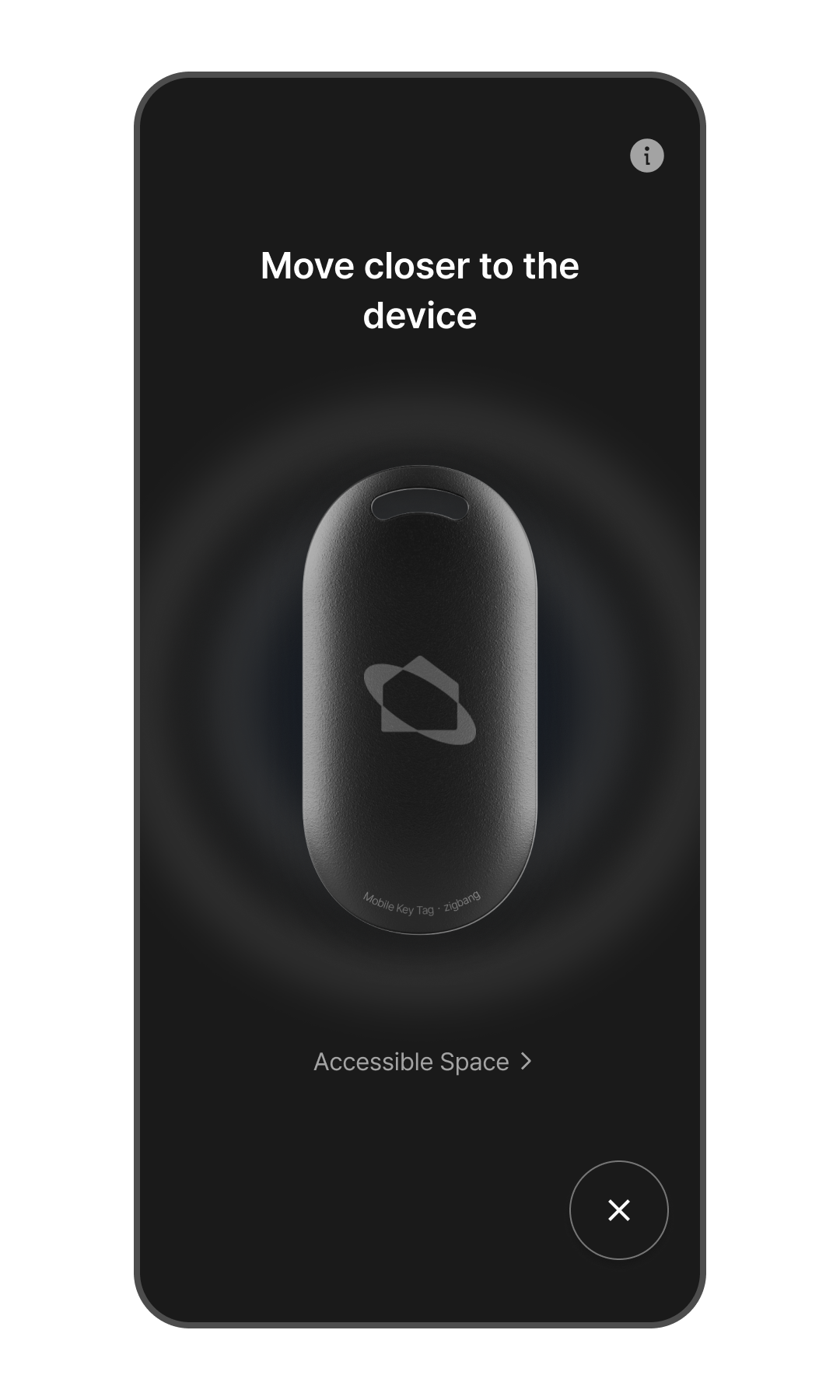
Tap the Mobile Key (key-shaped icon) button at the bottom right. *A door lock must be registered to the Home to use the Mobile Key. (Please refer to the "Adding a Door Lock" manual.)
Move close to the door lock so it can detect your presence. *When the door lock lights up, it is ready for authentication. *If the light does not turn on, please check if "Auto Detection" is enabled in: Door Lock Details > [···] Menu > Option Settings > Auto Detection.
Hold your Mobile Key close to the door lock, and the door will unlock.
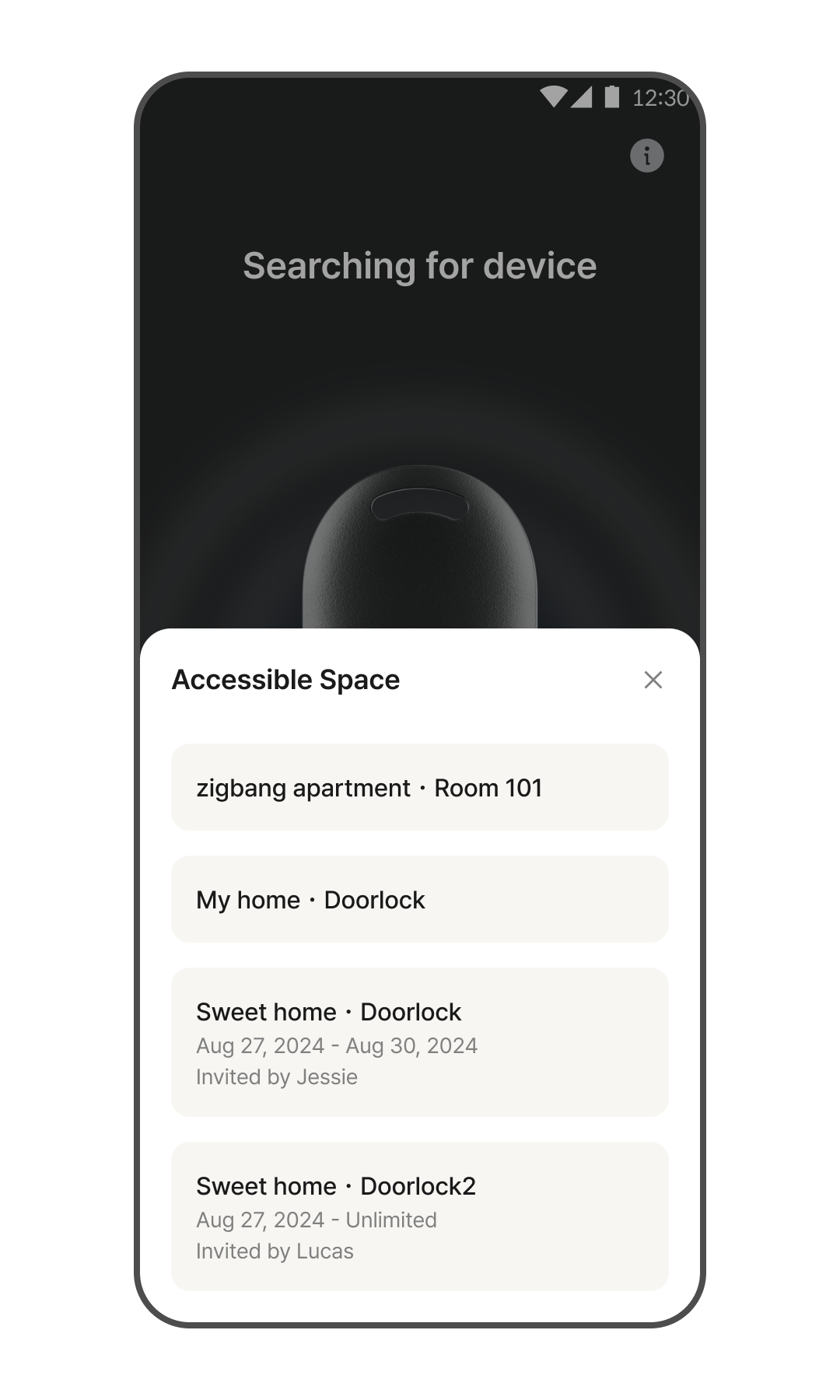
Check Accessible Areas
Go to Home > Tap the key-shaped icon at the bottom right.
Tap [Accessible Areas].
You can view the list of devices accessible with your digital key. *If you have been invited with a temporary key from another Home, you can check it in this section.