Remote Unlocking
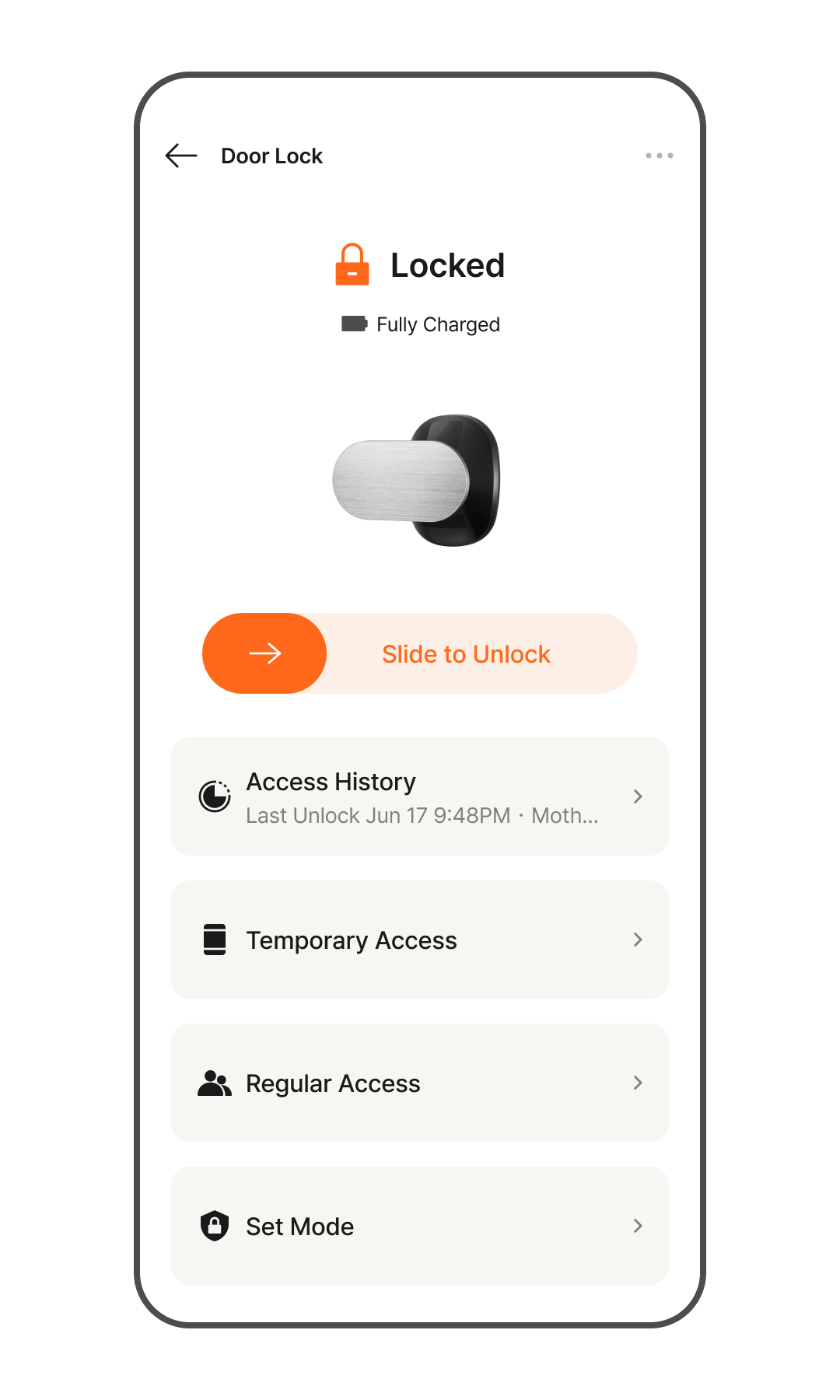
- Tap the door lock section on the Home screen to enter the Details page.
- Slide the Arrow Icon to the right to unlock the door lock.
- When the door lock opens, the status will change to "Unlocked."
Checking Door Lock Status
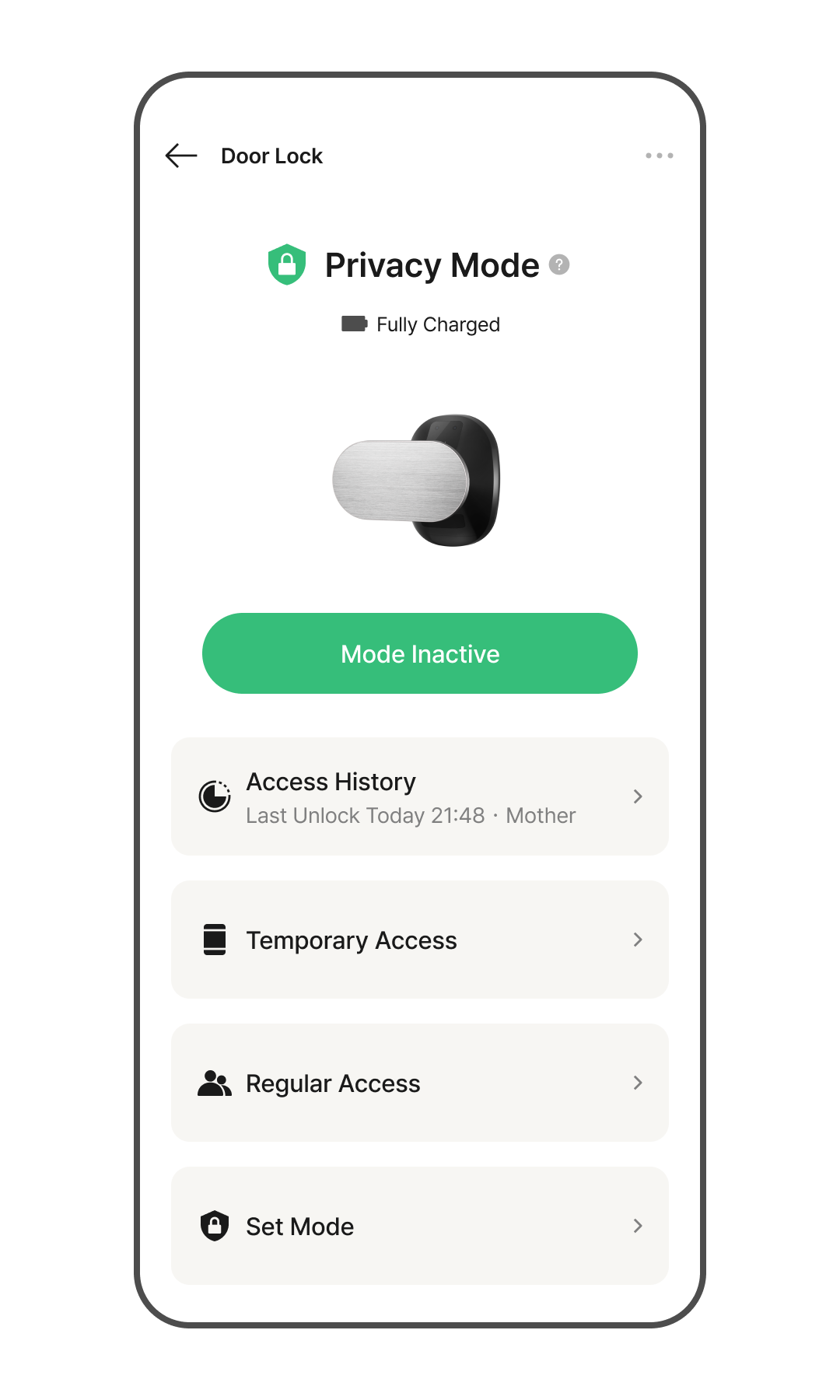
Disconnected
- The network connection has been lost. The device will continuously attempt to reconnect to the network.
*If the disconnected status persists, please check your network condition.
In-Home Security Mode (Double Lock)
- The door lock cannot be opened from the outside. Unlocking via all authentication methods is restricted.
*You can enable In-Home Security Mode in the "Mode Settings" menu.
Fire Alarm Detected
- A fire has been detected. An alarm will sound, and the door lock will unlock automatically.
Intrusion Detected
- An intrusion attempt has been detected. An alarm will sound.
Low Battery
- When the battery is low, access via authentication methods may be restricted.
*Please keep the battery level above medium to prevent access issues.