Sign Up
- Open the app and tap the [Sign Up] button.
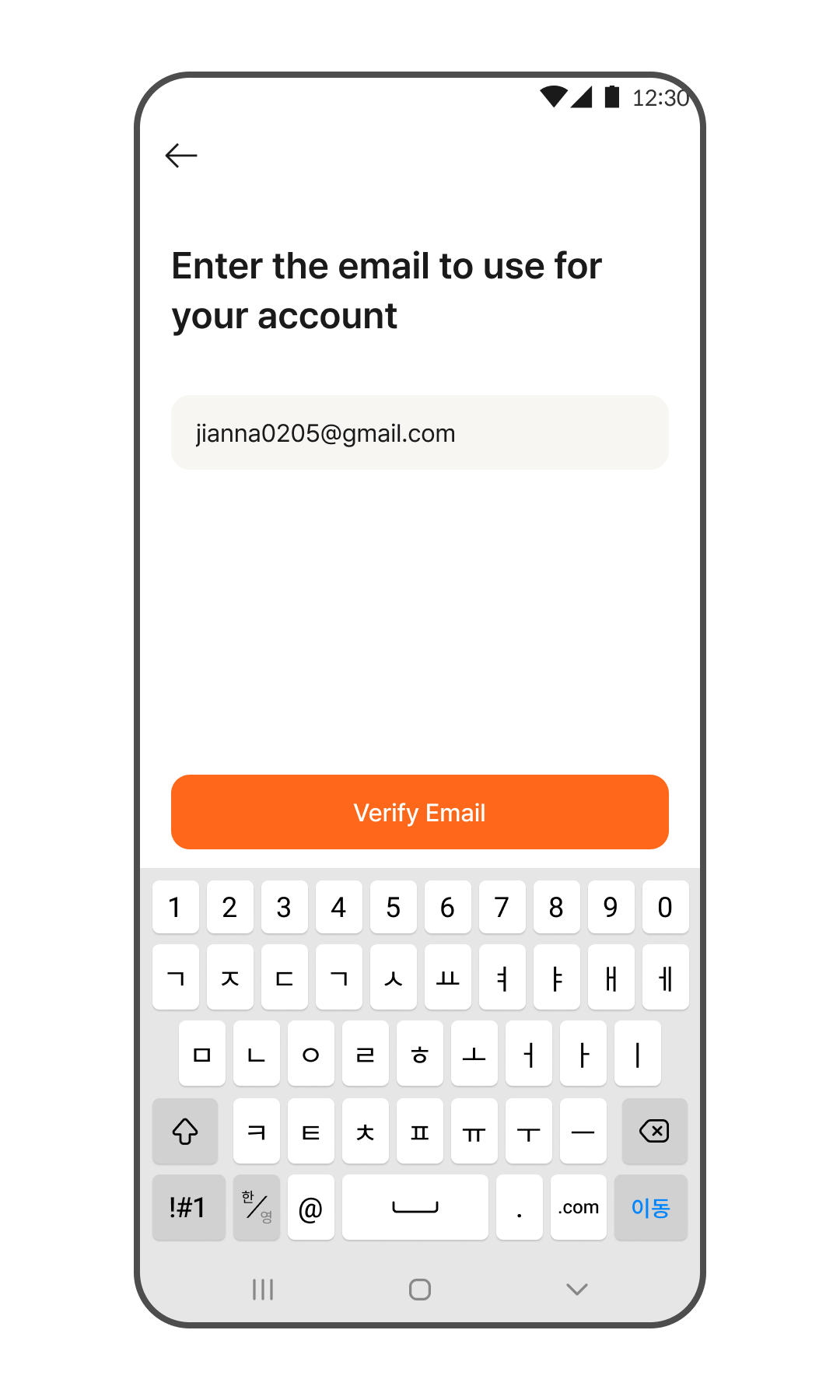
- Enter the email address you wish to use as your account, then tap the [Verify Email] button.
- Check your inbox to find the verification code sent to you.
*If you don't see the verification email, please check your spam/junk folder. - Enter the 4-digit verification code.
- Enter your name and the passcode you want to use in the app.
- Agree to the Terms of Service, then tap the [Agree and Get Started] button.
- Registration is complete!
Log In & Reset Passcode
Logging In
- Open the app and tap the [Log In] button.
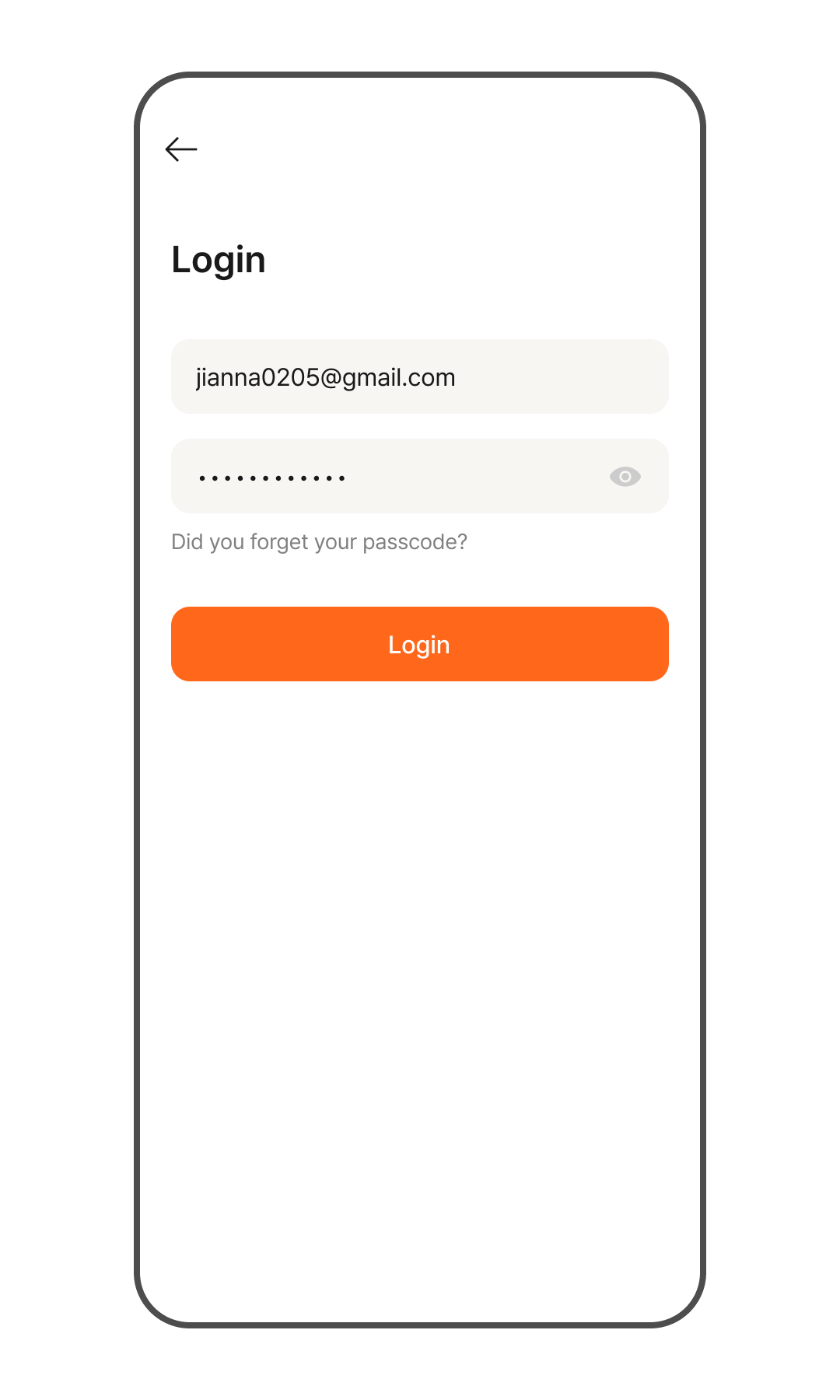
- Enter your email address and password, then tap the [Log In] button to log in successfully.
Forgot Passcode
- Open the app and tap the [Log In] button.
- Tap [Forgot Passcode?] below the passcode field.
- Enter the email address for the account you want to recover, then tap the [Verify Email] button.
- Check your inbox to find the verification code sent to you.
*If you don't see the verification email, please check your spam/junk folder. - Enter the 4-digit verification code.
- Enter a new passcode and tap the [Done] button.
- You can now log in with your new passcode.