Adding a Home
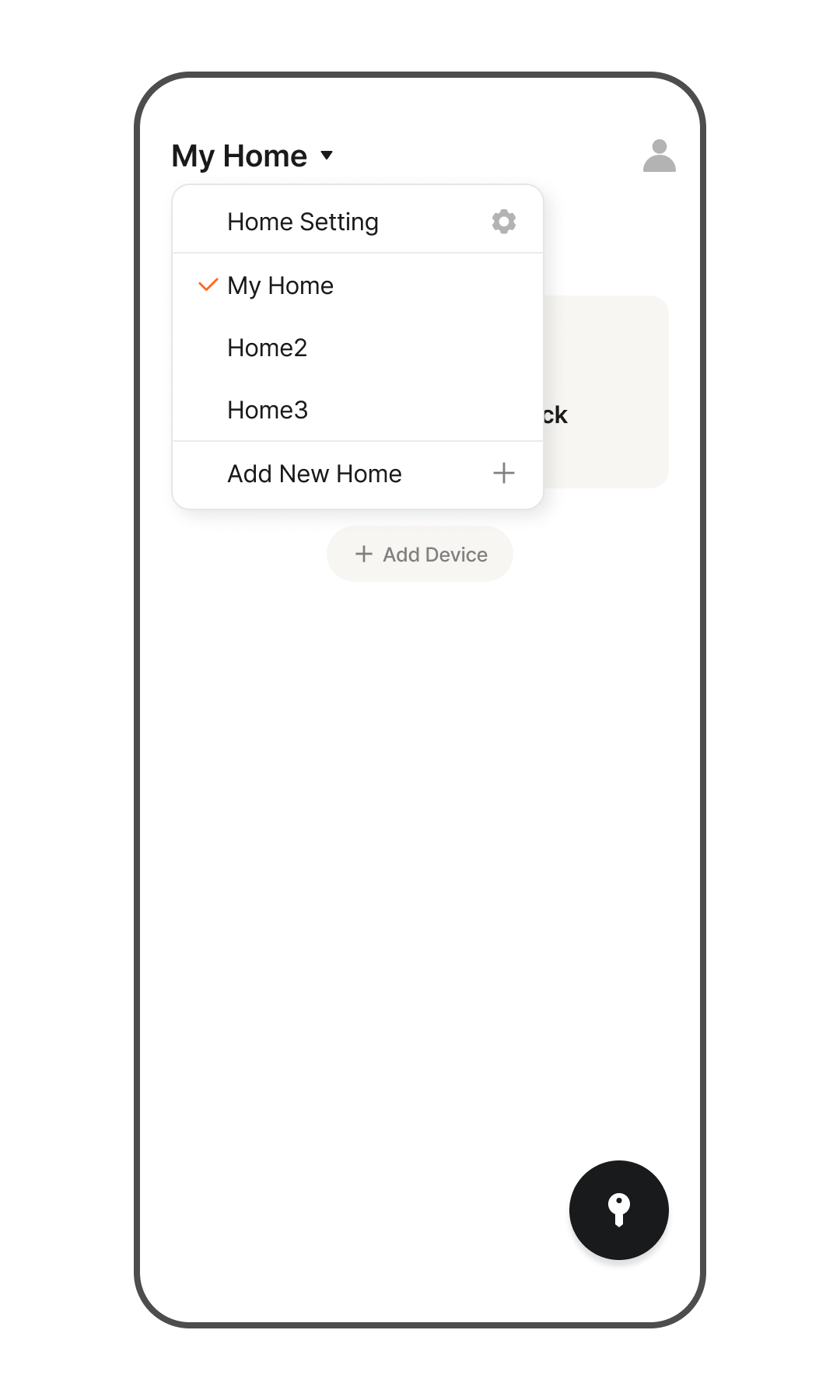
- Tap the Home Name at the top of the screen.
- A list displaying all the Homes you currently belong to will appear.
- Tap the [Add New Home] button at the very bottom.
- Enter a name for the new Home and tap the [Add New Home] button.
- You will be redirected to the newly created Home.
*If you want to return to your previous Home, tap the Home Name again.
Home Settings
- Tap the Home Name at the top of the screen.
- Verify that the Home you wish to configure is checked, then tap the [Home Settings] button.
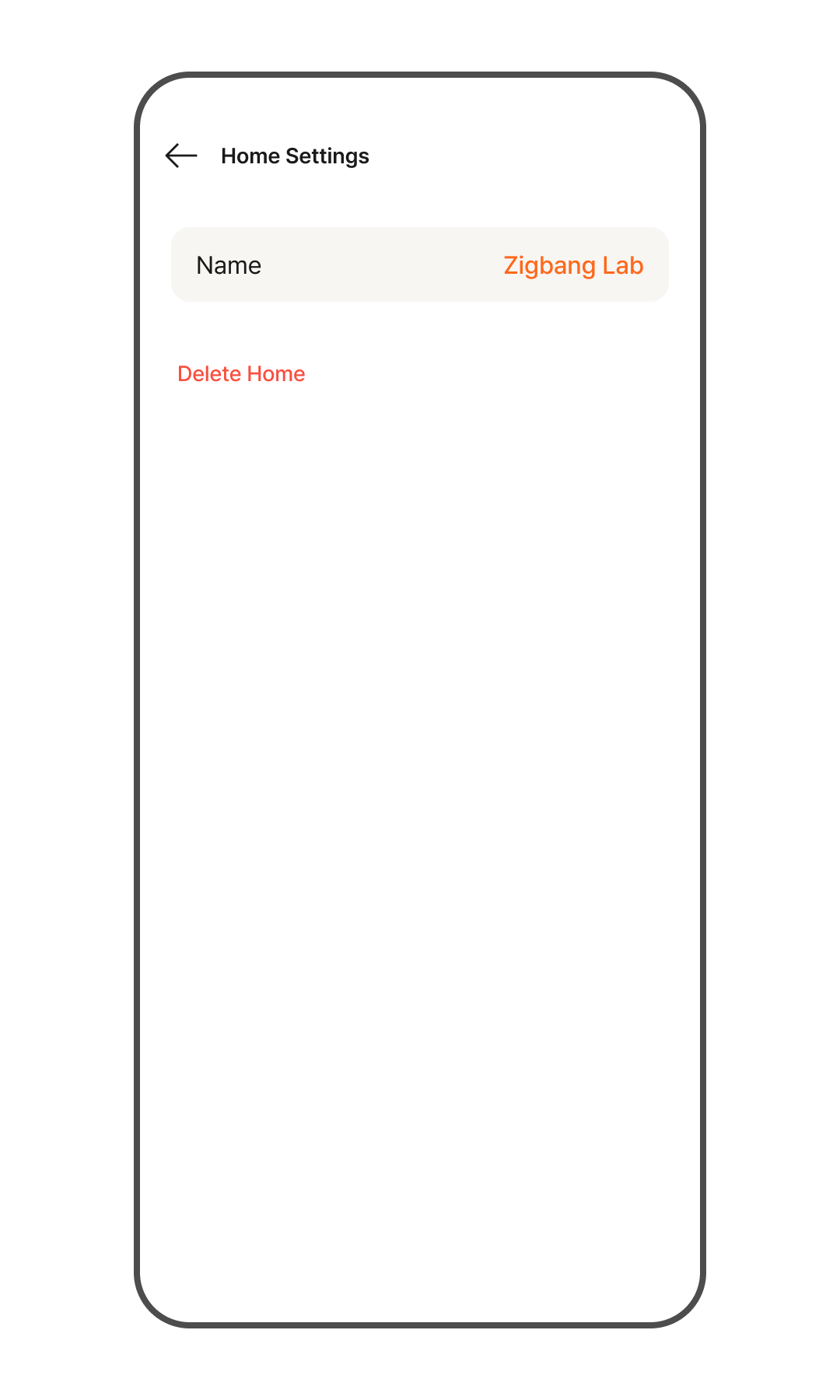
- To edit the Home name, tap the [SOMA] section.
- To delete the Home, tap the [Delete Home] button.
- Check "I have confirmed the details", then tap the [Delete] button.