Adding a Visitor
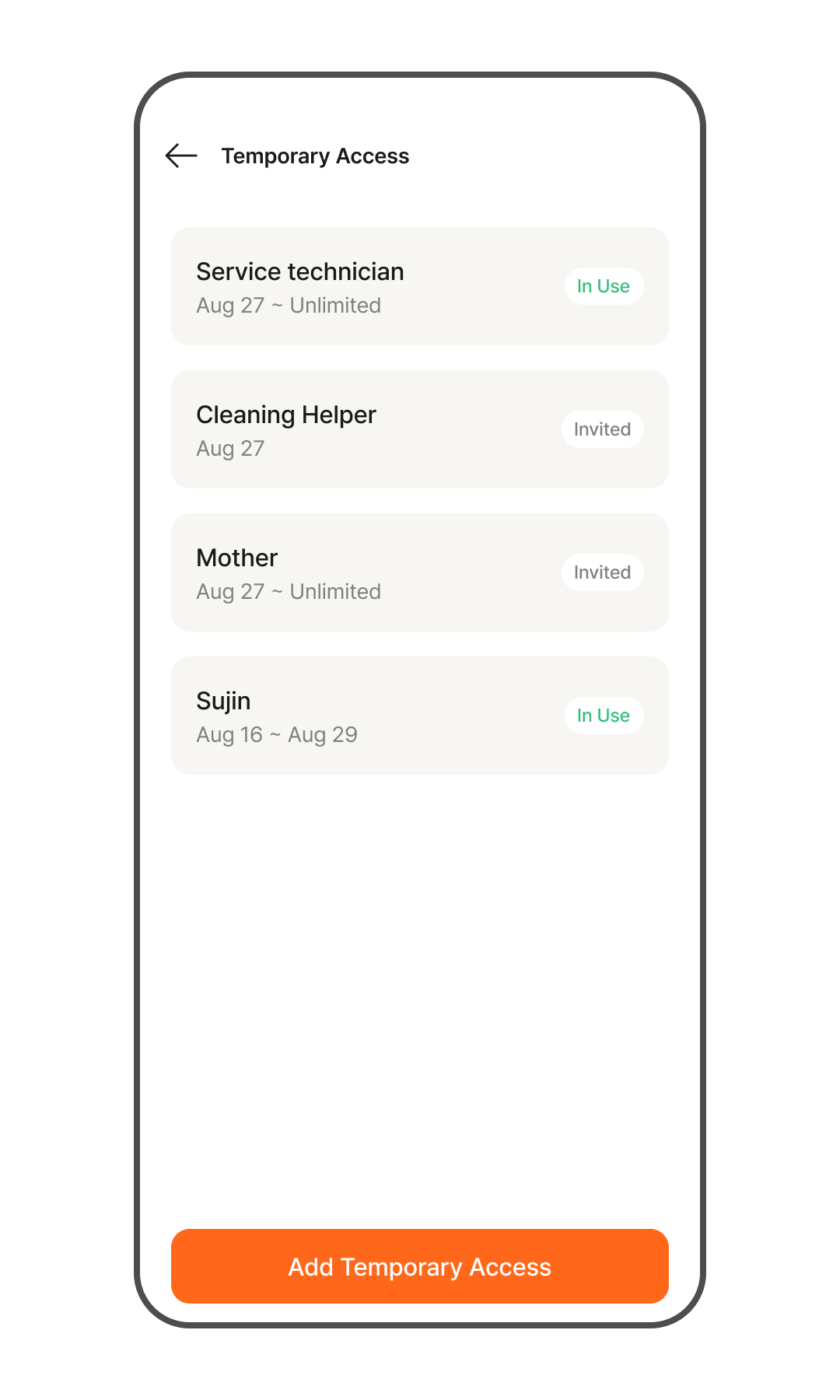
- Go to Home > Door Lock > Tap the [Visitor Management] menu.
- You can check the list of currently registered temporary access keys, along with their validity periods and active status.
- To add a visitor, tap the [Add Visitor] button.
- Enter the visit period and the visitor's name.
- Set a passcode to share with the visitor.
- Share the access details with your visitor.
- The visitor can access using the shared passcode during the set period.