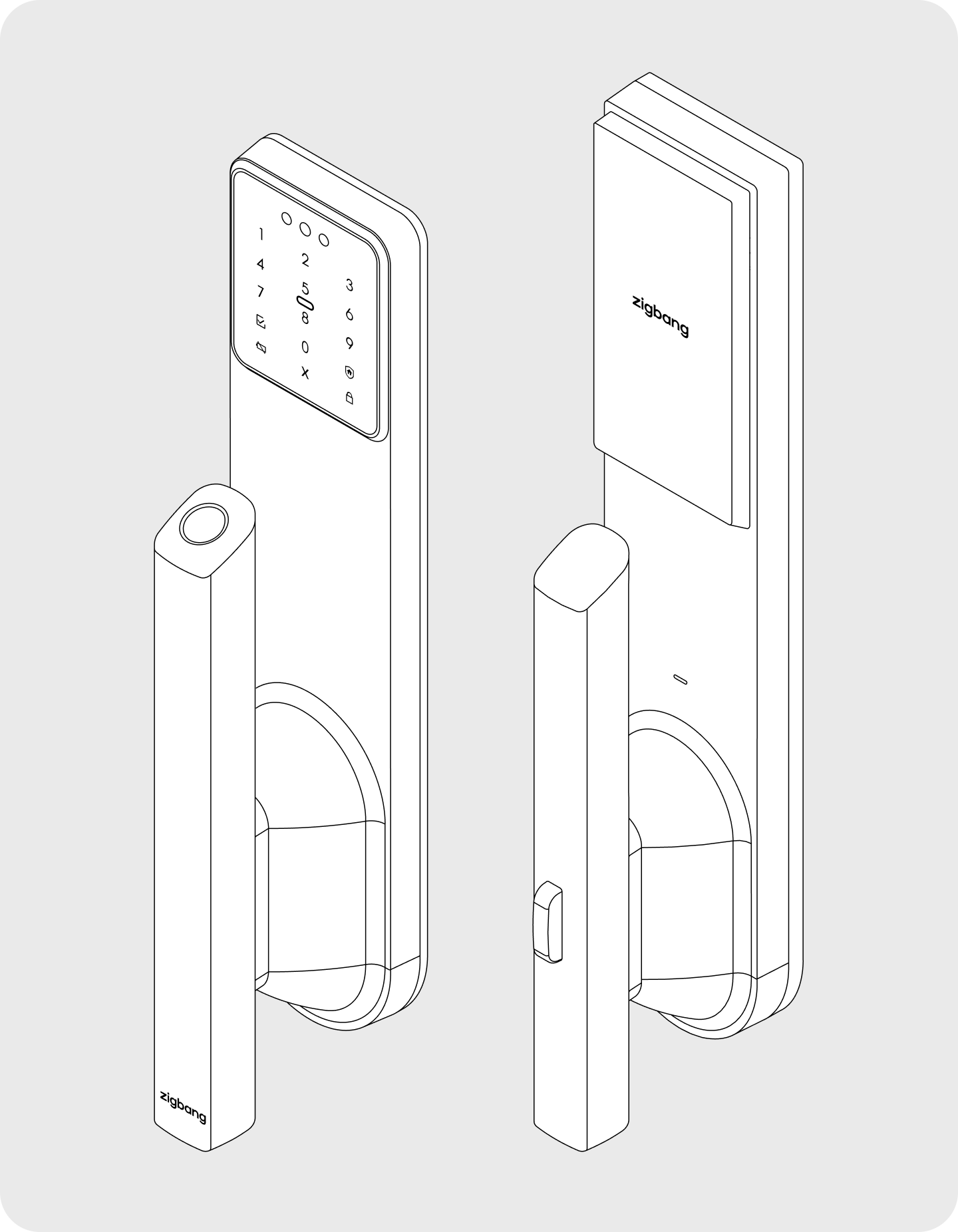
Zigbang Smart Home Manual|C1 Pro Manual
C1 Pro
Care
C1 Pro
0. Safety Precautions1. Product Overview2. How to Open the Door from the Outside3. How to open the door from inside4. How to Lock the Door from Inside5. Registering with the Door Lock App6. How to Manage Authentication Methods7. Mode Settings8. Settings and Additional Features9. How to Reset10. Replacing the Battery11. Emergency Operations & Safety Features12. Product Specifications13. Installation14. Frequently Asked Questions
App Manual
Care
C1 Pro
0. Safety Precautions1. Product Overview2. How to Open the Door from the Outside3. How to open the door from inside4. How to Lock the Door from Inside5. Registering with the Door Lock App6. How to Manage Authentication Methods7. Mode Settings8. Settings and Additional Features9. How to Reset10. Replacing the Battery11. Emergency Operations & Safety Features12. Product Specifications13. Installation14. Frequently Asked Questions
App Manual
Door lock/Care/C1 Pro/ZD-R71/EN

C1 Pro User Manual (ZD-R71/EN)

  1. 0. Safety Precautions
  2. 1. Product Overview
  3. 2. How to Open the Door from the Outside
  4. 3. How to open the door from inside
  5. 4. How to Lock the Door from Inside
  6. 5. Registering with the Door Lock App
  7. 6. How to Manage Authentication Methods
  8. 7. Mode Settings
  9. 8. Settings and Additional Features
  10. 9. How to Reset
  11. 10. Replacing the Battery
  12. 11. Emergency Operations & Safety Features
  13. 12. Product Specifications
  14. 13. Installation
  15. 14. Frequently Asked Questions

0. Safety Precautions

Direct customer support and online inquiries may be limited depending on your region. For installation, technical support, or warranty services, please contact your local distributor or original point of purchase.

Safety precautions are intended to protect user safety and prevent property damage or inconvenience caused by accidents. Please read carefully and use the product correctly.

Do not install or repair the product arbitrarily. Also, do not install where the gap between the door and door frame exceeds 5mm. Do not apply excessive force to the buttons or press them with sharp tools.

  • Do not operate the product with wet hands or allow liquids such as water or beverages inside.
  • Clean the product with a soft, dry cloth only. Do not use water, benzene, or alcohol.
  • Always ensure the door is fully locked when leaving.
  • Insert batteries correctly according to polarities (+/-). Be careful as inserting batteries in the reverse direction of the polarity indicators inside the compartment may cause leakage or rupture.
  • Battery consumption may increase depending on the wireless communication environment.
  • This device may cause radio interference during operation and may receive harmful interference from other devices.
  • As this wireless equipment may experience radio interference during operation, services related to human safety cannot be provided.
  • Using the product in an environment with severe condensation may cause performance issues.
  • It is recommended to maintain a minimum distance of 40cm when using the product.
  • Service fees may incur if defects occur due to self-installation.
  • Installation by Zigbang or an authorized technician from the point of purchase is recommended.
  • The contents of this manual are subject to change without prior notice to users for product performance improvement.
  • Product images are subject to change depending on circumstances, and colors may differ from the actual product.

This key-operated door lock requires familiarity with emergency manual opening methods in case of malfunction.

This product is intended for use in the country/region where it was officially sold. If this product is used outside of the country/region of official sale,
(1) some functions of this product (including, but not limited to, the "App Service") may be limited, restricted, or unavailable,
(2) the warranty policies shall not be applicable, and
(3) after-sales (A/S) services may be limited, restricted, or unavailable.


C1 Pro
Care
C1 Pro
0. Safety Precautions1. Product Overview2. How to Open the Door from the Outside3. How to open the door from inside4. How to Lock the Door from Inside5. Registering with the Door Lock App6. How to Manage Authentication Methods7. Mode Settings8. Settings and Additional Features9. How to Reset10. Replacing the Battery11. Emergency Operations & Safety Features12. Product Specifications13. Installation14. Frequently Asked Questions
App Manual