To initiate a reset, use a thin pin to press and hold the pinhole button located above the [Register] button for at least 5 seconds.
App Link Reset (Wi-Fi / Remote Control)
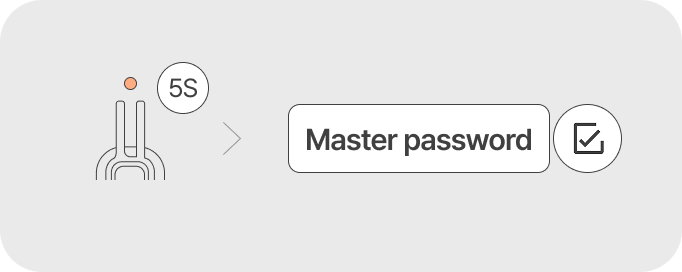
- Wi-Fi: Resets Mobile Key and Wi-Fi connection data. (Note: Registered faces, fingerprints, passcodes, and key tags are retained.)
- Remote Control (sold separately): Resets paired remote control information.
Reset Authentication Information
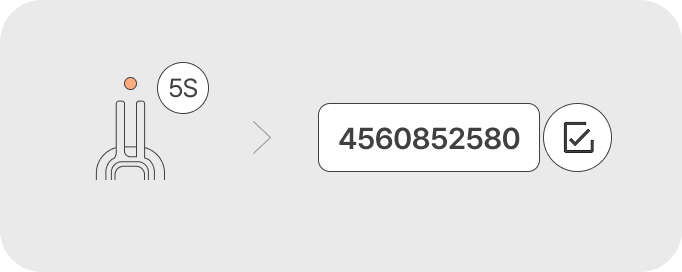
- The passcode is reset to '1234', and all registered face, fingerprint, passcode, and key tag information will be deleted.