Face Recognition
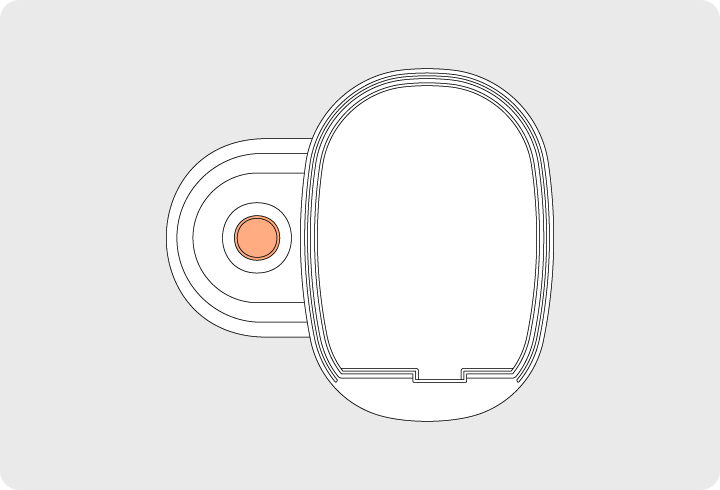
When a registered face is recognized by the face recognition sensor on the outdoor unit, the door will unlock.
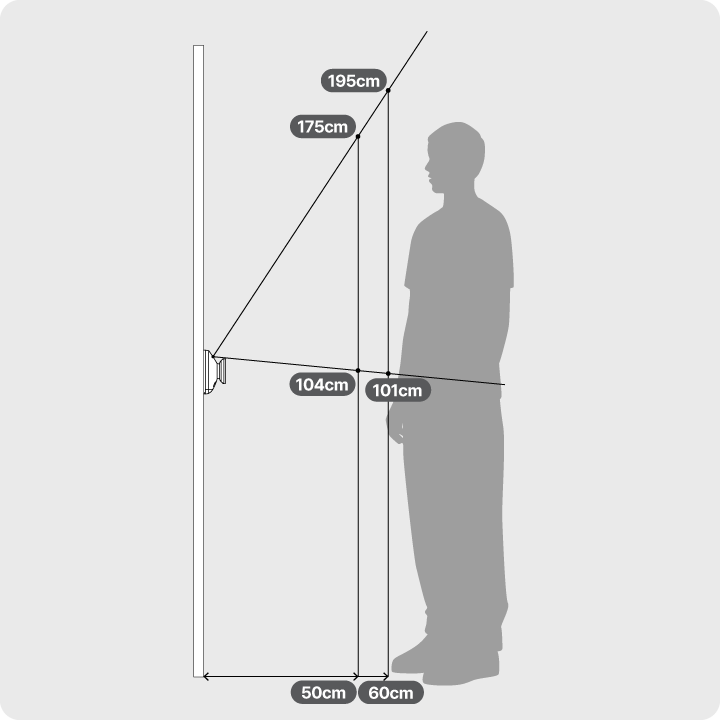
Face Recognition Delay Time and Malfunction Prevention Guide
- If no face is recognized during Face Recognition Standby Mode after three consecutive attempts, the Face Recognition Function will be suspended.
- If Face Recognition Standby Mode does not activate, press the doorbell button on the outdoor unit handle to enable the face recognition function normally (IR sensor “Welcome Feature” not detected).
- If the Welcome Feature is disabled in the mobile app, press the doorbell button on the outdoor unit handle to activate the Face Recognition Function normally.
Recognizable User Height by Distance from the Door Lock
- At a minimum distance of 50 cm, the door lock can recognize users with a height range of 104 cm to 180 cm.
- For users taller than 180 cm, slightly lowering the head or stepping back a bit will enable proper face recognition.
Face Recognition Based on Installation Environment
- Low Light Conditions: Face recognition works properly even in complete darkness.
- Bright Light Exposure: If the camera is exposed to intense sunlight, face recognition may not function correctly. Adjust the installation location or use a shading cover if necessary.
Key-Tag
When a registered key tag or smart tag is touched to the front of the outdoor handle, the door will unlock.
Fingerprint
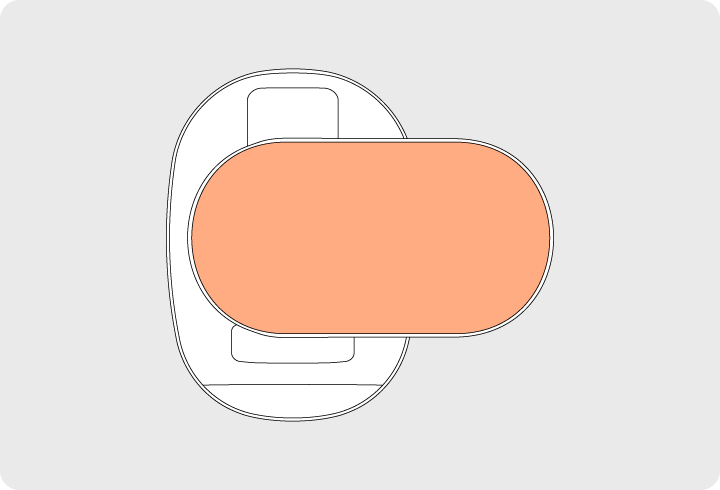
When a registered fingerprint is accurately placed on the fingerprint recognition sensor located on the back of the outdoor handle, the door will unlock.