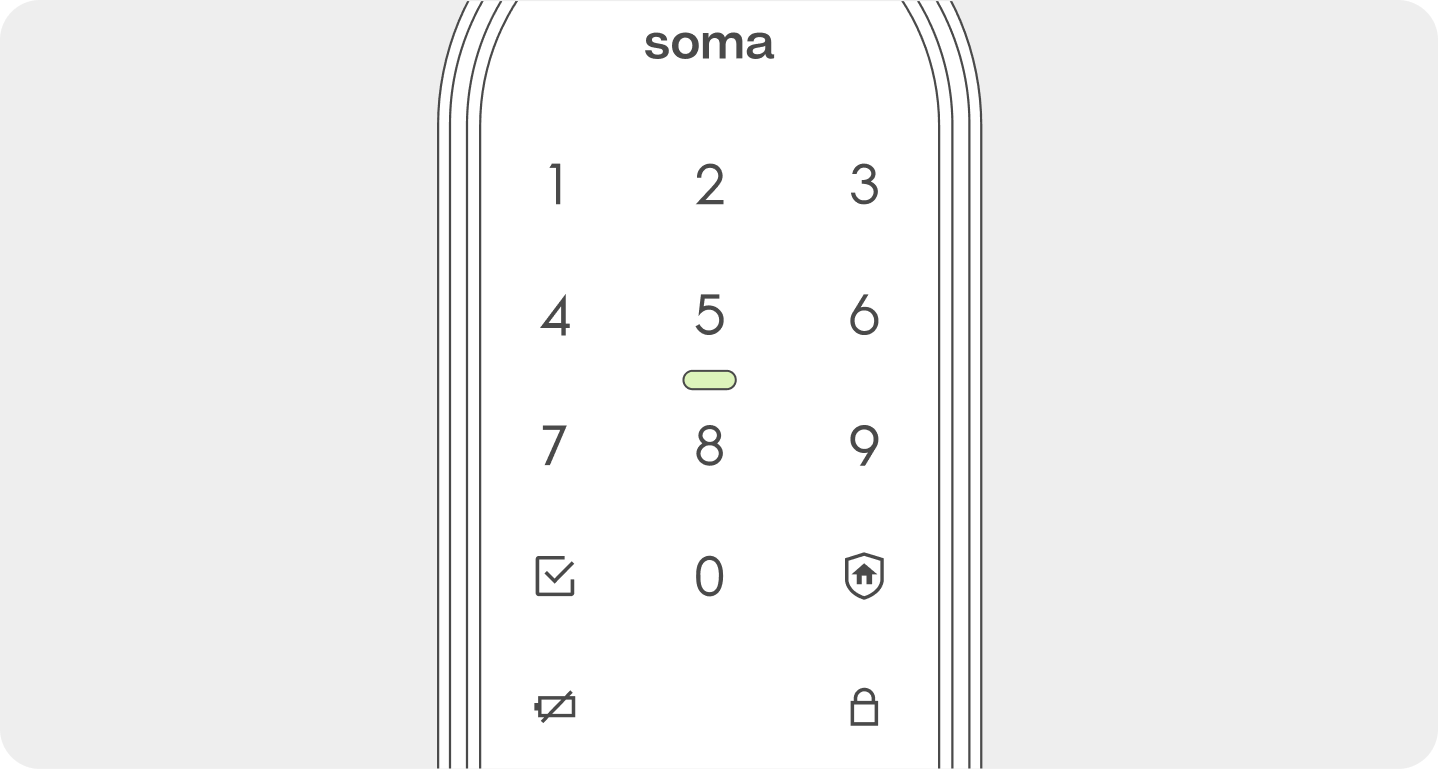
When the user approaches the outdoor unit, the door lock automatically switches to recognition standby mode via the detection sensor.
If the user is not detected or Auto Detection is turned off, press the outdoor keypad to switch to recognition standby mode.
If an authentication method (passcode, fingerprint, and key tag only) fails five times in a row, an error tone will sound, followed by a voice message stating that authentication is unavailable for 3 minutes.
Fingerprint
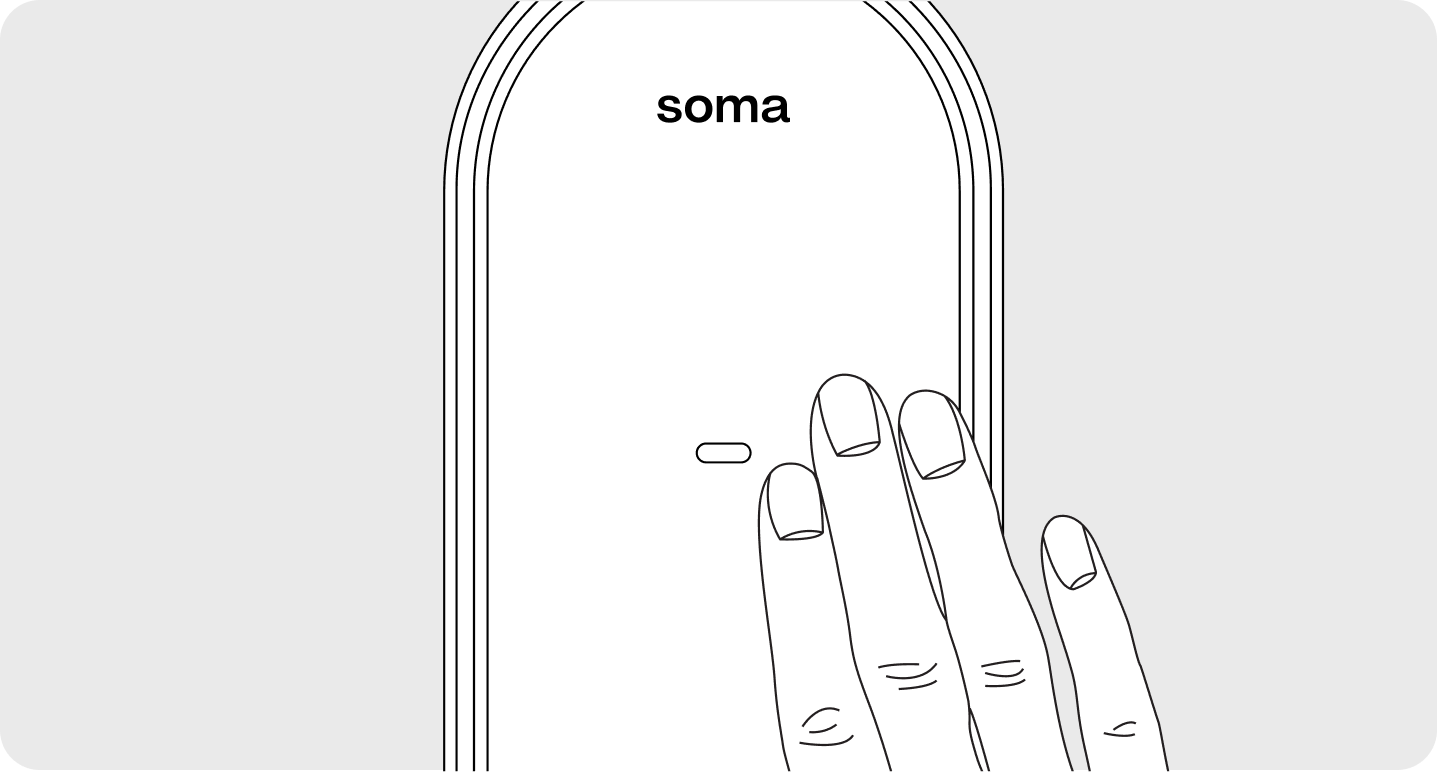
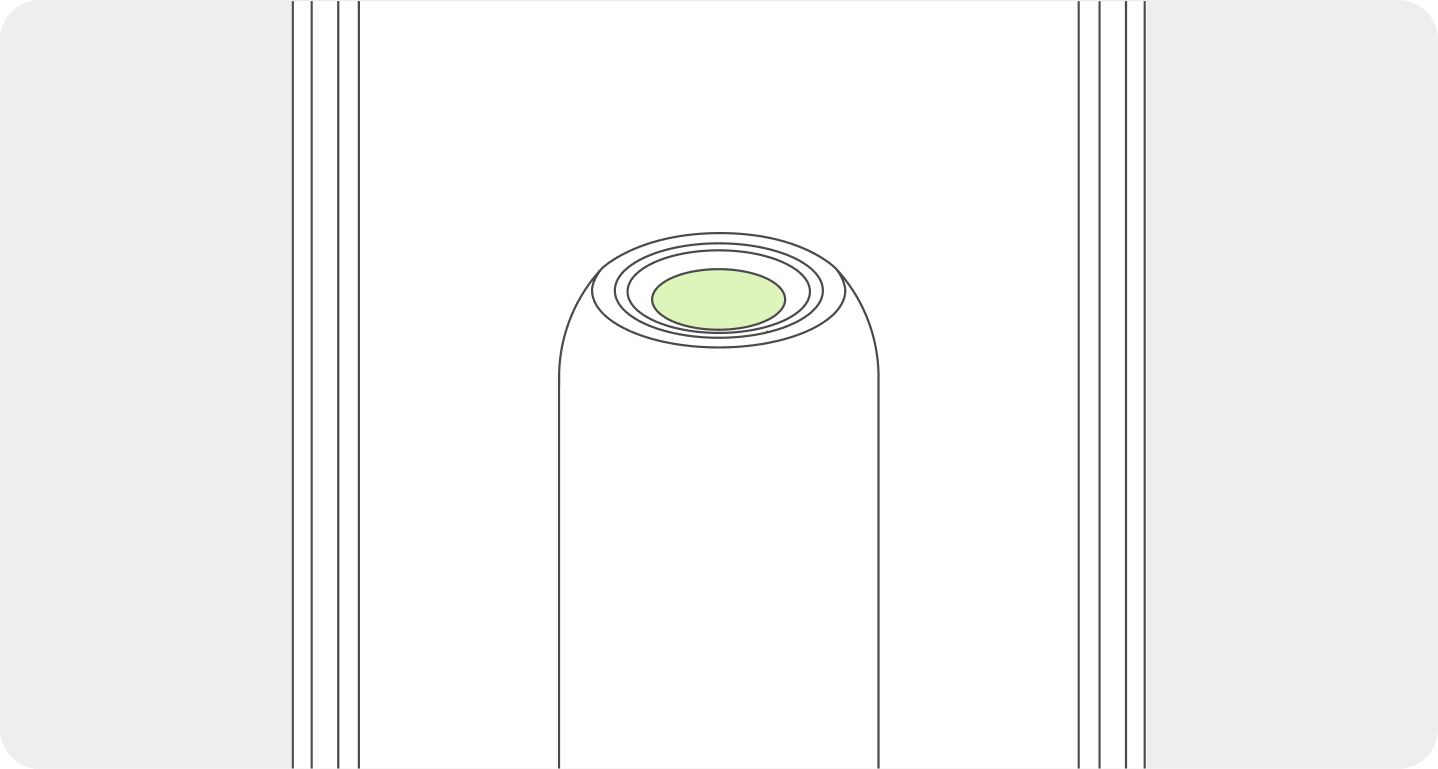
Please place your registered fingerprint firmly on the fingerprint sensor above the handle.
Wait about 1 sec, and the door will open.
Passcode
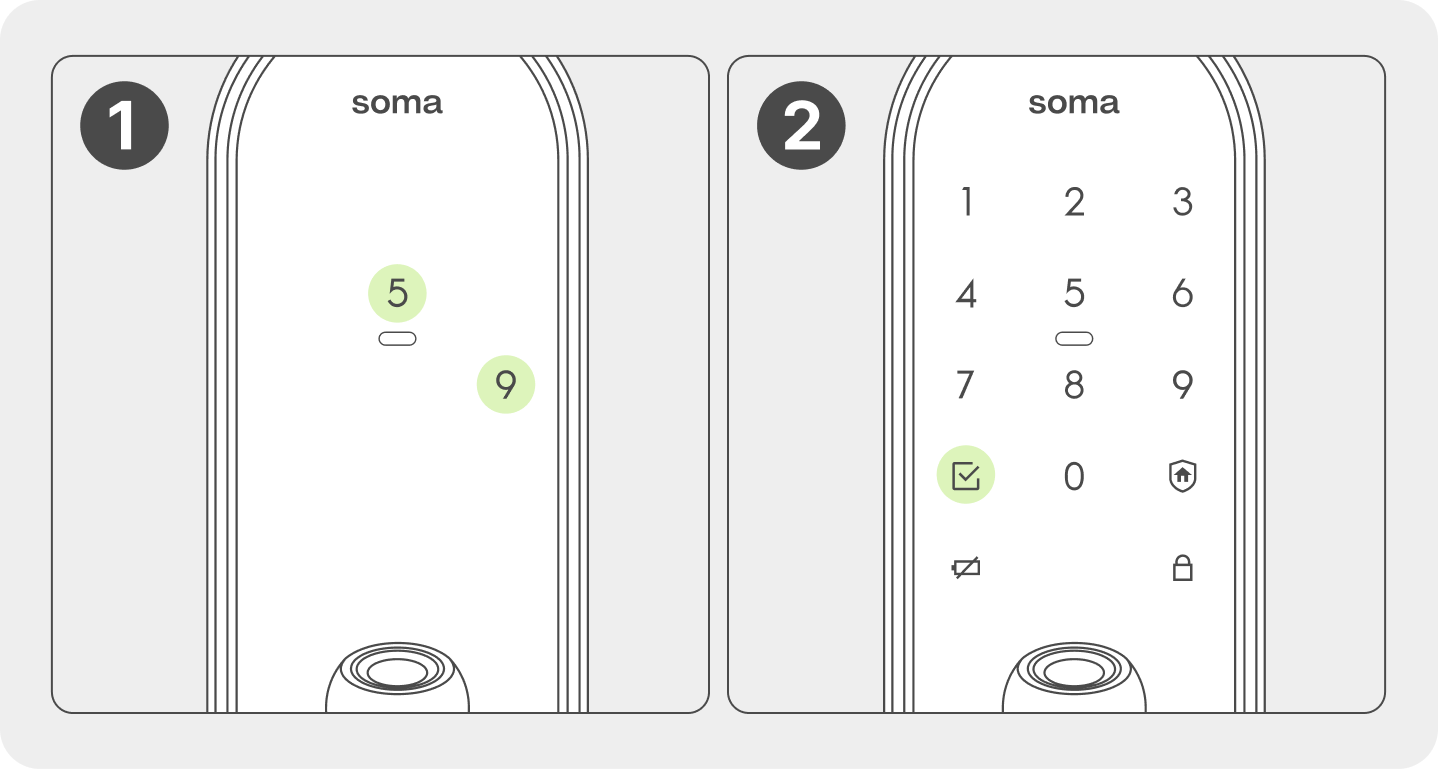
When you approach the door lock, press the two numbers that appear randomly. (When Magic Number Dual Security is enabled)
Once all the numbers on the keypad are lit, enter your passcode (4–12 digits) and press the button.
Key Tag / Mobile Key
Please place your registered key tag or mobile key (smartphone) directly against the key tag reader.
Wait about 1 sec, and the door will open.
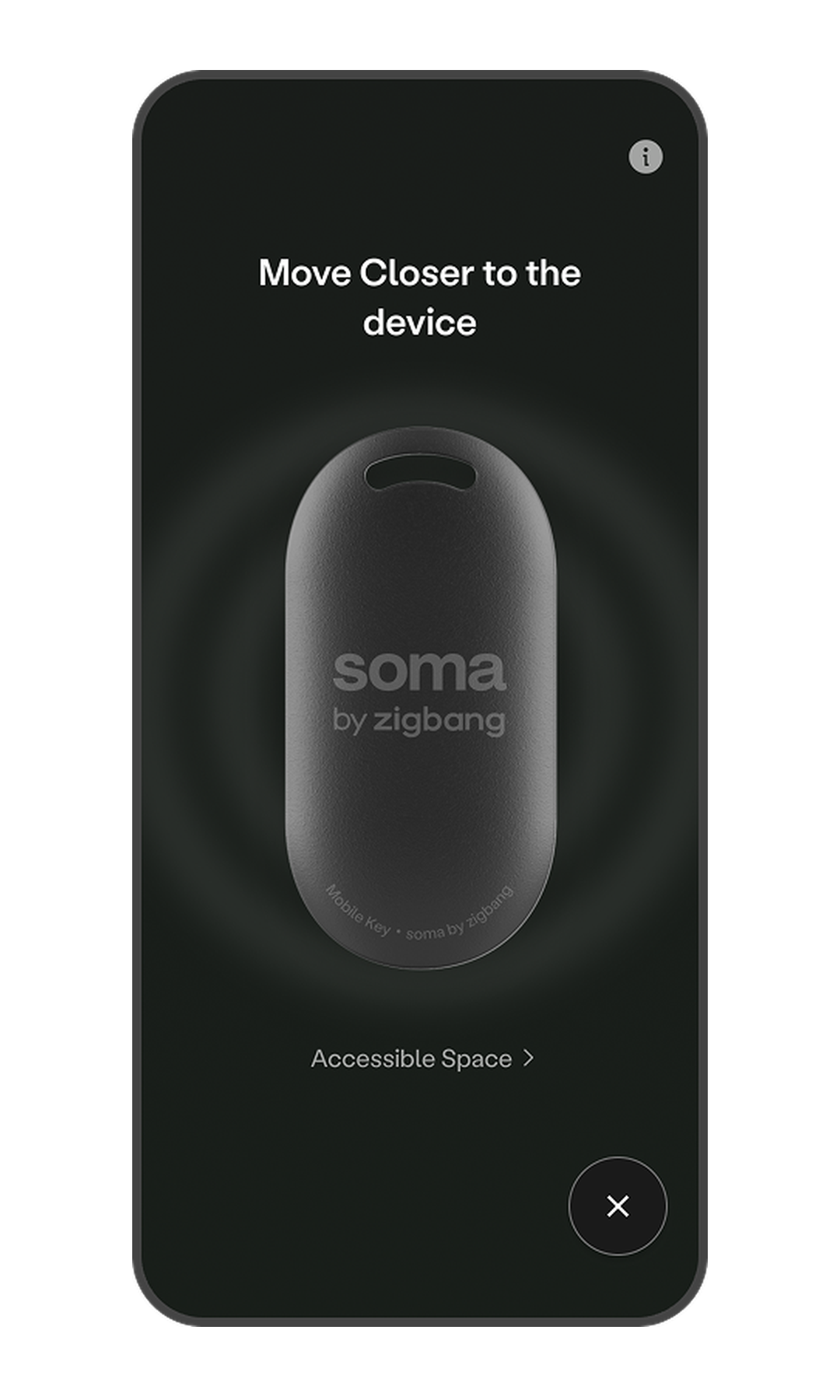
How to Use the Mobile Key
Log in to the app and go to the Home screen.
Tap the Mobile Key (Key Icon) button in the bottom right corner of the screen. * The door lock must be registered to the Home screen to use the Mobile Key.
Approach the door lock so it can detect your presence. * The mobile key is ready to use as soon as the door lock's keypad lights up. * If the keypad does not light up, check if Auto Detection is enabled in "Door Lock > More (⋮) > Option Settings > Auto Detection".
Hold your smartphone close to the door lock to unlock the door.
 button.