5. Call Security Office
Voice Call
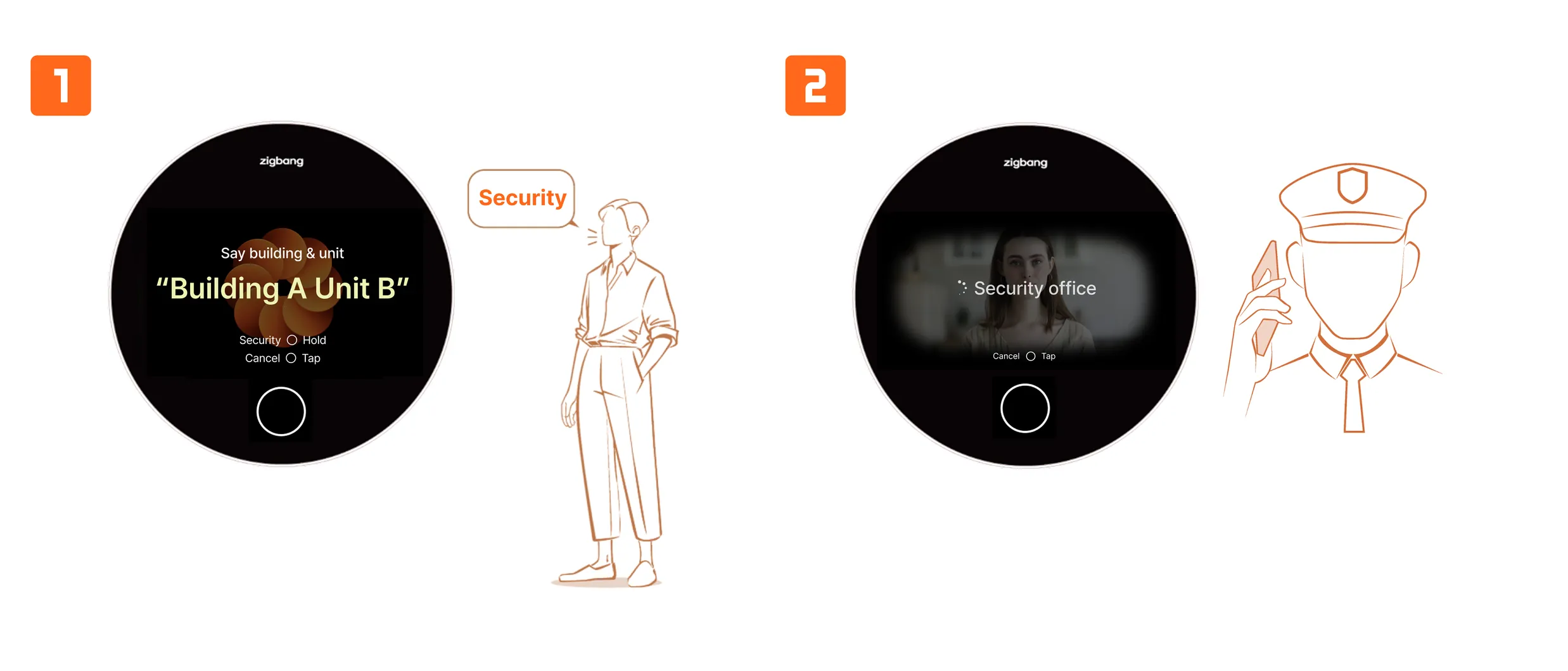
- In the device’s voice call mode, saying "Security Office" will connect you to the security office.
- The security office can verify the visitor and approve access.
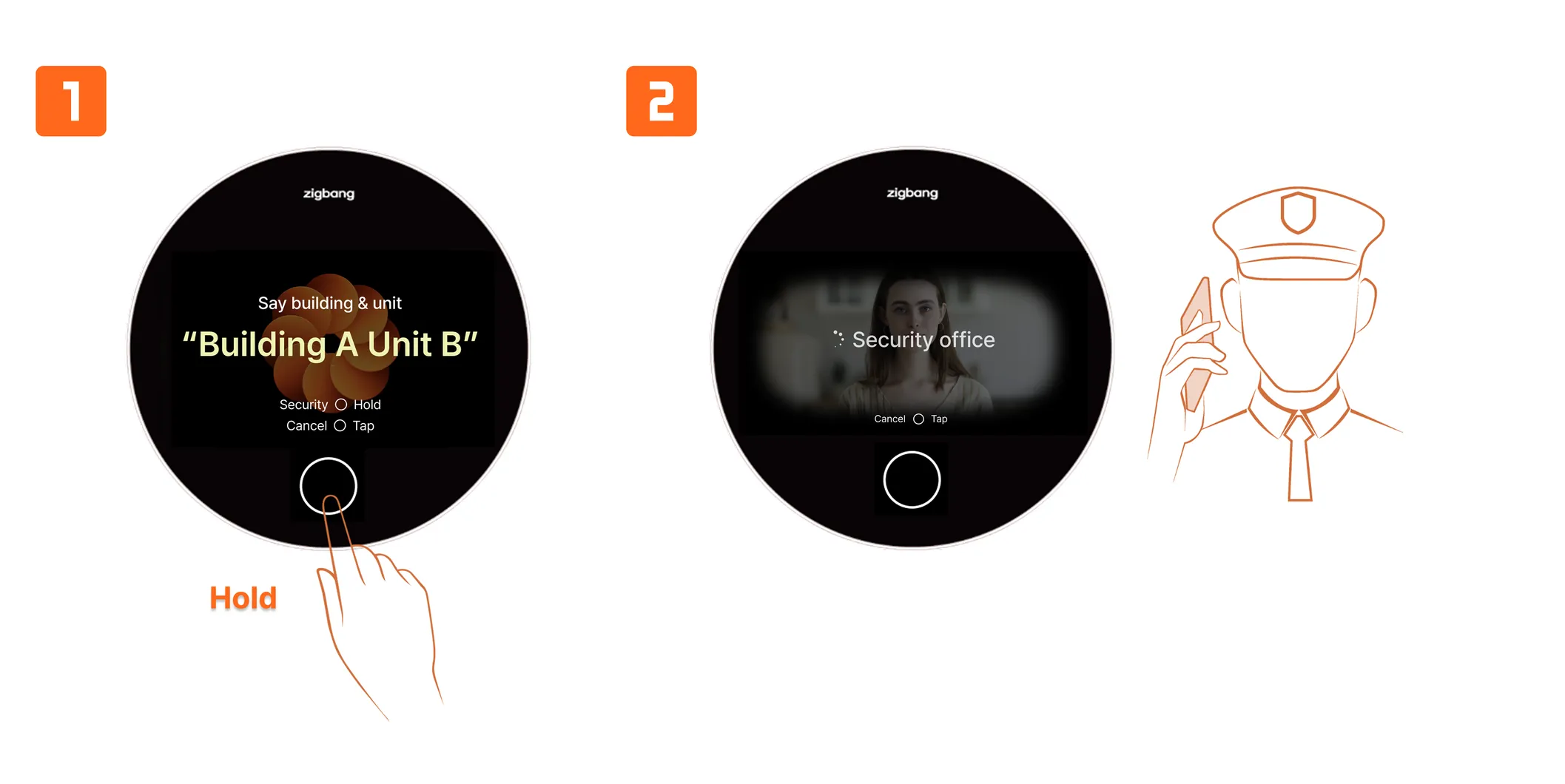
- In the device’s voice call mode and other modes, you will see the text “Security Office: Hold” at the bottom of the display.
- On the screen showing the “Security Office: Hold” text, long-press the Home button to connect to the security office.
- The security office can verify the visitor and approve access.